Automate Head MRA Post-Processing
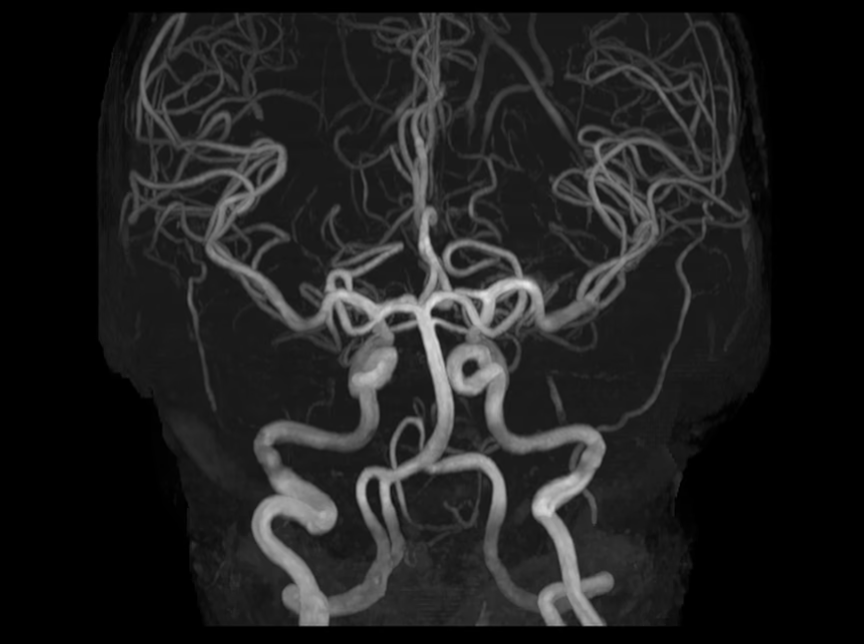
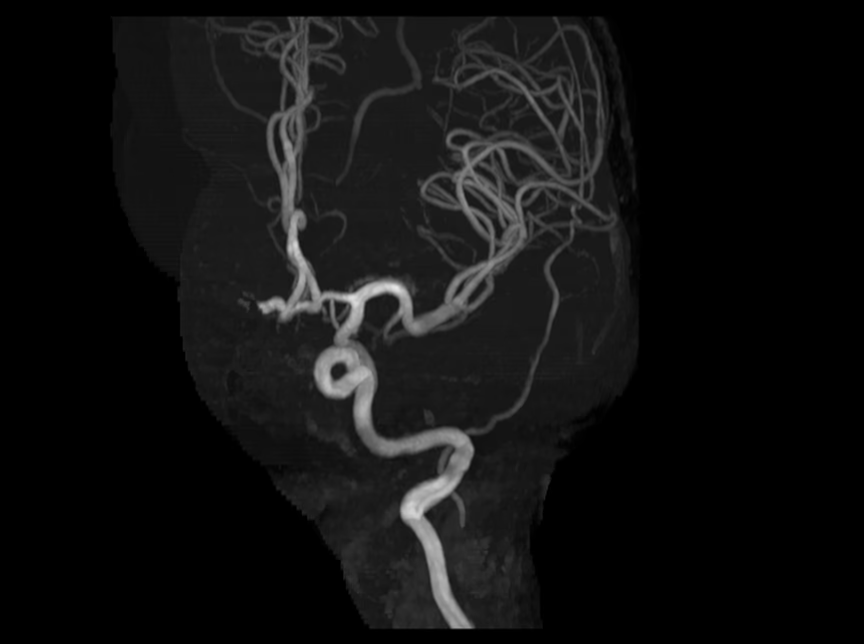
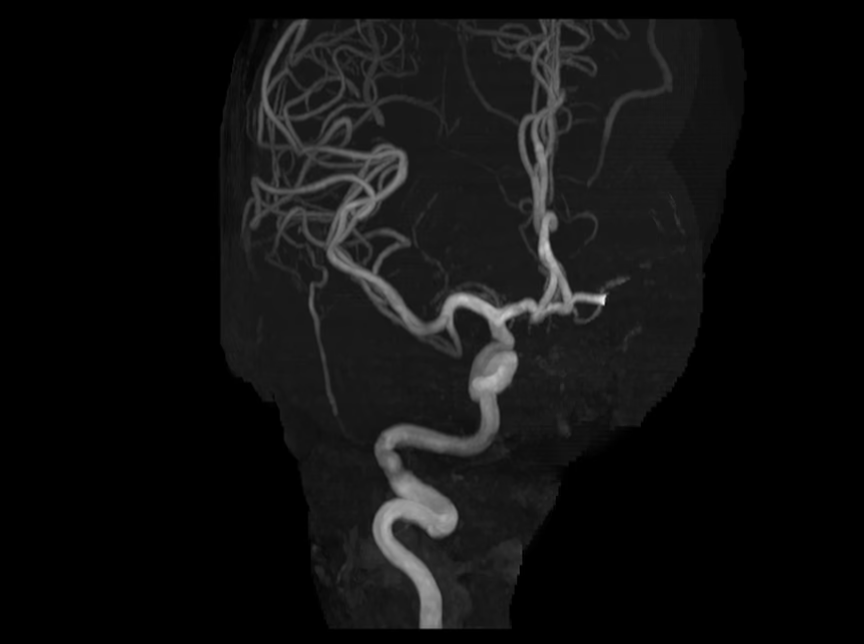
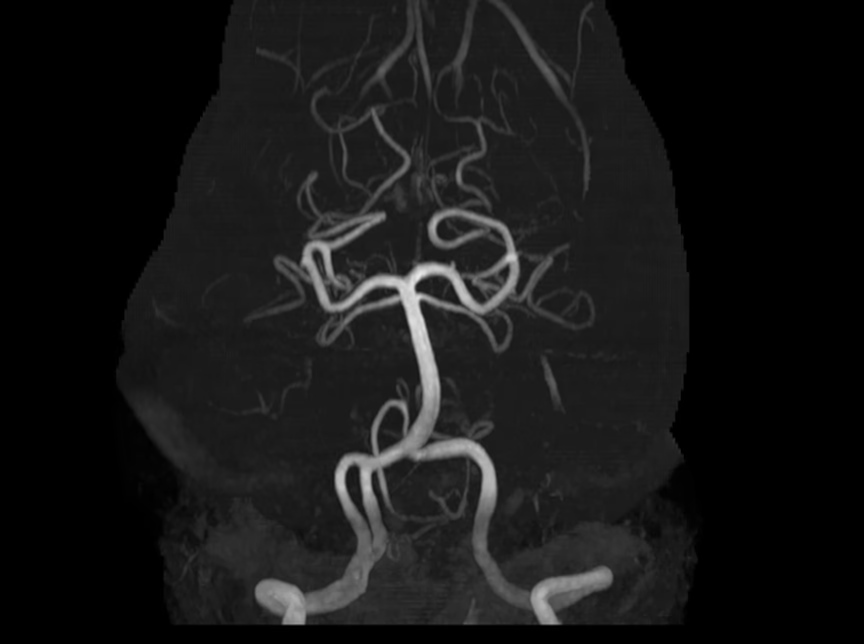
SwiftMR Auto Cut automates MIP post-processing for MRA Head TOF, generating configured vascular projection sets from acquired source images and reducing routine manual reconstruction by the technologist.
Generate Head MRA MIP Sets Automatically
After acquisition, SwiftMR reconstructs the TOF source images and Auto Cut builds the configured MIP set from those reconstructed images.
Less manual post-processing. More predictable output.
Instead of manually post-processing MIP projection sets exam after exam, technologists can rely on SwiftMR to generate the defined output automatically.
Configure Auto Cut Around Your Workflow
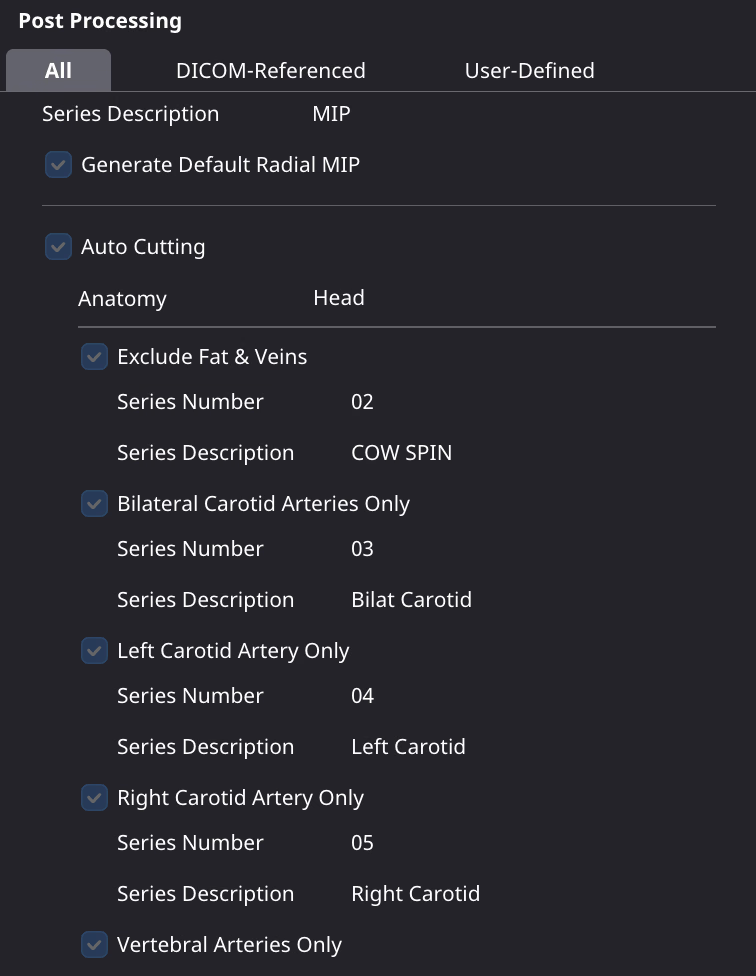
SwiftMR Auto Cut can be configured to support the site’s preferred Head MRA workflow. Settings can include:
Once configured, the defined settings can be applied consistently to 3D TOF head acquisitions.
Define the output once.Apply it consistently exam after exam.
Give Technologists ~5 Minutes Back per Head MRA
In a conventional MRA Head TOF workflow, manually building MIPs after acquisition can add approximately five minutes of technologist work.
SwiftMR Auto Cut automates that routine reconstruction step.
Less repetitive workstation work returns technologist time to the rest of the MRI workflow.
Standardize Head MRA Across Technologists and Sites
Manual post-processing can vary depending on the technologist performing the reconstruction and the workflow used at each location.
SwiftMR Auto Cut applies predefined settings to eligible source images so the configured MIP set can be generated consistently exam after exam.
That consistency starts with a defined workflow.
Define the views, parameters, and series naming once, and every site gets the same output regardless of scanner vendor. For multi-site imaging organizations, that creates a repeatable Head MRA workflow that can scale across technologists and imaging locations.
For imaging organizations, that can support
Reduce Time During and After the Scan
Auto Cut is part of a broader SwiftMR workflow that can address efficiency at multiple stages of Head MRA.
Acquire faster
SwiftMR can reduce MRA Head TOF scan time by approximately 25–30%.
Reconstruct with SwiftMR
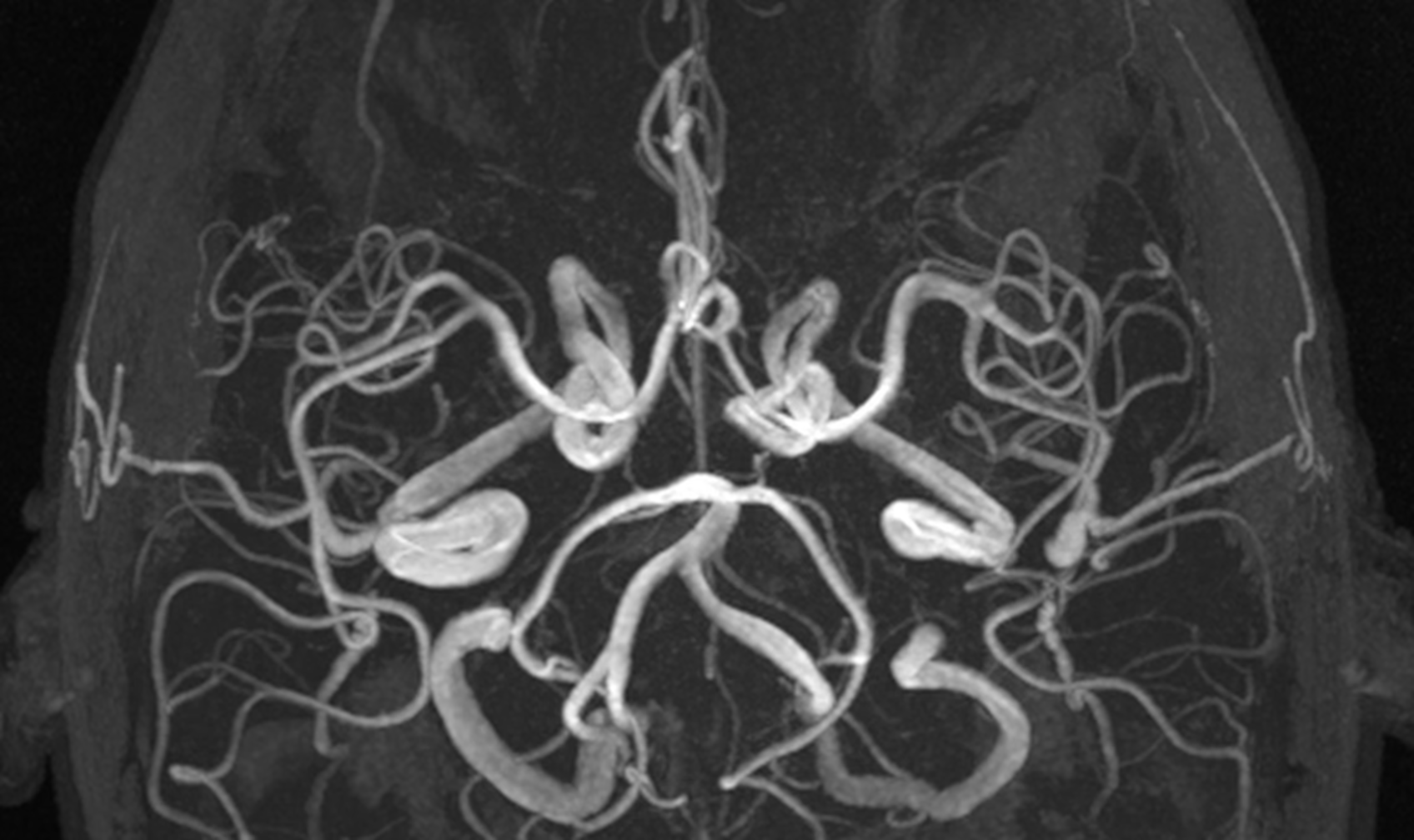
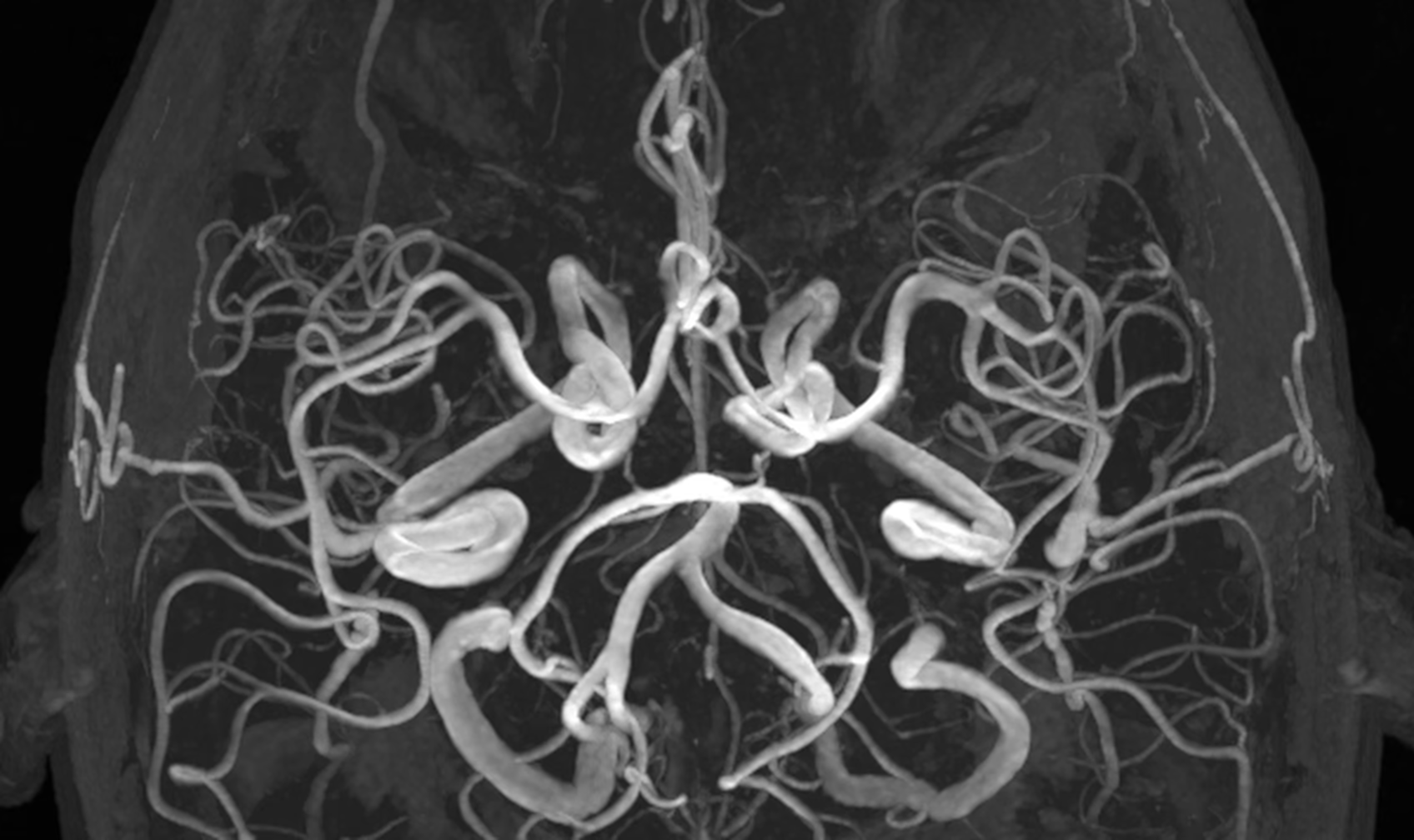
Accelerated TOF acquisition can reduce SNR. SwiftMR reconstruction reduces the noise that acceleration adds. That matters more for MIPs than for source images, because a maximum-intensity projection picks up background noise along every ray.
Auto Cut MIPs
After acquisition, Auto Cut generates the configured MIP projection set automatically, removing routine manual reconstruction from the technologist workflow.
PACS
Auto Cut processes acquired DICOM source images after acquisition, with no protocol changes required for the Auto Cut post-processing workflow.
Siemens MAGNETOM Vida Fit 3T · 3D TOF MRA · 0.5 mm slices
Reduce Post-Processing Labor. Protect Skilled MRI Capacity.
SwiftMR Auto Cut automates repeatable post-processing, helping imaging organizations reduce the labor required for routine reconstruction while preserving skilled resources for more complex imaging workflows.
after a year, ~38 shifts freed up for other work
Illustrative: a network averaging 10 eligible Head MRA exams a day across its sites, at ~5 minutes of technologist time saved per exam.
Lower labor spent on repeatable post-processing
Reduce the amount of technologist time tied up in routine MIP reconstruction.
Preserve specialized 3D lab capacity
At organizations that route MRA to a 3D lab, Auto Cut keeps that team focused on complex work such as cardiac MR.
Reduce workflow burden as volume grows
As exam volume, scanners, and locations increase, Auto Cut helps prevent manual post-processing workload from scaling at the same rate.
Get more value from existing staff
Shift technologist and specialist time away from repeatable tasks and toward work that requires their expertise.
Frequently Asked Questions
How does SwiftMR Auto Cut improve the Head MRA workflow?
SwiftMR Auto Cut extends SwiftMR beyond image reconstruction into post-processing automation for MRA Head TOF. After acquisition, SwiftMR processes the source images and automatically generates the configured MIP projection sets, removing the routine manual reconstruction step from the technologist workflow.
That can return approximately five minutes of technologist post-processing time per eligible Head MRA exam, while providing radiologists with a more consistent set of MIP views. When used alongside SwiftMR reconstruction and scan acceleration, the workflow can address efficiency both during acquisition and after the scan is complete.
What Head MRA workflows can SwiftMR Auto Cut automate?
Auto Cut is designed for MRA Head TOF post-processing. SwiftMR can automatically generate configured MIP projection sets including Spin, Tumble, RCA, LCA, and vertebral views, reducing the need for technologists to manually create those series exam by exam.
How much technologist time can SwiftMR Auto Cut save?
The conventional workflow outlined in AIRS Medical’s clinical materials includes approximately five minutes of MIP reconstruction following MRA Head TOF acquisition. With Auto Cut, that routine reconstruction step is automated, returning approximately five minutes of post-processing time per eligible exam.
Can SwiftMR Auto Cut be configured for our MRA workflow?
Yes. Auto Cut can be configured around a site’s preferred MIP output. The client configuration supports defined vascular views and reconstruction settings so the same workflow can be applied consistently to eligible examinations.
This enables imaging organizations to establish the MIP output they want rather than relying on each technologist to recreate the projection set manually.
How does SwiftMR Auto Cut help standardize Head MRA across technologists and sites?
Manual MIP reconstruction can depend on how an individual technologist creates and labels the projection series. Auto Cut applies predefined settings to generate the configured MIP output automatically.
For organizations operating across multiple technologists, scanners, or locations, this creates a more repeatable Head MRA post-processing workflow and more consistent MIP sets for radiologists.
Does SwiftMR Auto Cut require changes to our existing MRA protocol?
No protocol changes are required for the Auto Cut post-processing workflow. SwiftMR processes the acquired DICOM source images after acquisition and generates the configured MIP series from those images.
How does Auto Cut work with SwiftMR scan acceleration?
Auto Cut is part of the broader SwiftMR workflow.
For MRA Head TOF, SwiftMR can support accelerated acquisition and recover signal in the reconstructed images. Auto Cut then extends that workflow downstream by automatically generating the required MIP projections after acquisition.
Together, the capabilities address two separate sources of workflow time: time spent acquiring the exam and time spent manually post-processing it.
What MIP views can SwiftMR Auto Cut generate?
Configured Head MRA output can include Spin, Tumble, RCA, LCA, and vertebral projection sets. The exact output can be configured as part of the Auto Cut setup for the site.
Is SwiftMR Auto Cut a separate product?
No. Auto Cut is an included capability within SwiftMR. It expands SwiftMR from AI-powered image reconstruction and scan acceleration into post-acquisition workflow automation.
Bring Auto Cut to Your MRI Workflow
See how SwiftMR Auto Cut can reduce manual Head MRA post-processing and standardize output across your imaging organization.